Best Space Games for iPhone & iPad in 2026
 by Galaximus
Best Space Games for iPhone & iPad in 2026
Conflict of Interest Disclosure: The author developed Galaximus. This article recommends the author’s own product alongside competitors. All recommendations are based on gameplay merit, but you should know the source of the bias.
Premium space games on iOS—games you buy once and own forever, with no ads or in-app purchases—occupy a small but growing niche. On one side: free-to-play titles with energy timers, battle passes, and cosmetic IAP. On the other: complete games that ask for a one-time payment and never nag you again. If you’re looking for the latter, the gap between iPhone and iPad experiences matters more than it did five years ago.
The choice of device affects how you interact with physics-based games. Smaller screens force interface compression; larger screens let you see entire systems at once without UI overlap. Here’s how to pick the right game for your device and play style.
Why Device Matters for Space Games
The jump from iPhone to iPad isn’t just about screen size—it’s about control bandwidth. A 5.5-inch screen forces interface compression; a 12.9-inch iPad gives you room to see the whole system at once without UI overlap.
iPhone space games optimize for thumb-reach and portrait-or-landscape flexibility. Buttons cluster toward the edges. Information density stays moderate. The best ones accept that you’re flying one-handed and design controls around that constraint.
iPad space games can spread systems across the screen. Fuel gauge on the left, navigation on the right, combat readout at the top. The same game often feels different on iPad because you’re not hunting for buttons between your thumbs.
Physics-heavy games especially benefit from iPad’s real estate. When every decimal of velocity matters—when you’re threading a gravity-well slingshot to save fuel—watching the trajectory arc across a 12.9-inch display beats squinting at a 6.1-inch readout.
iPhone: The Best Space Games for Single-Handed Play
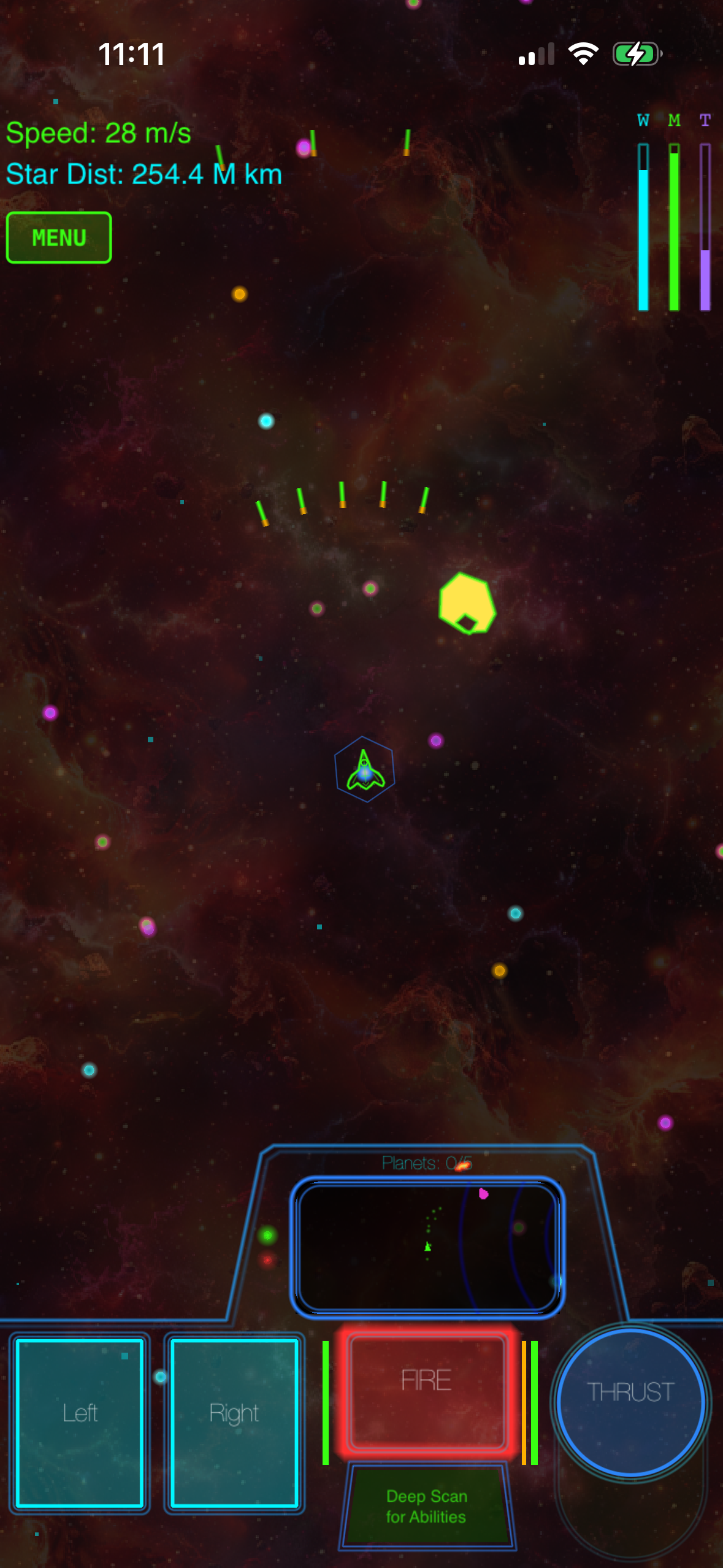
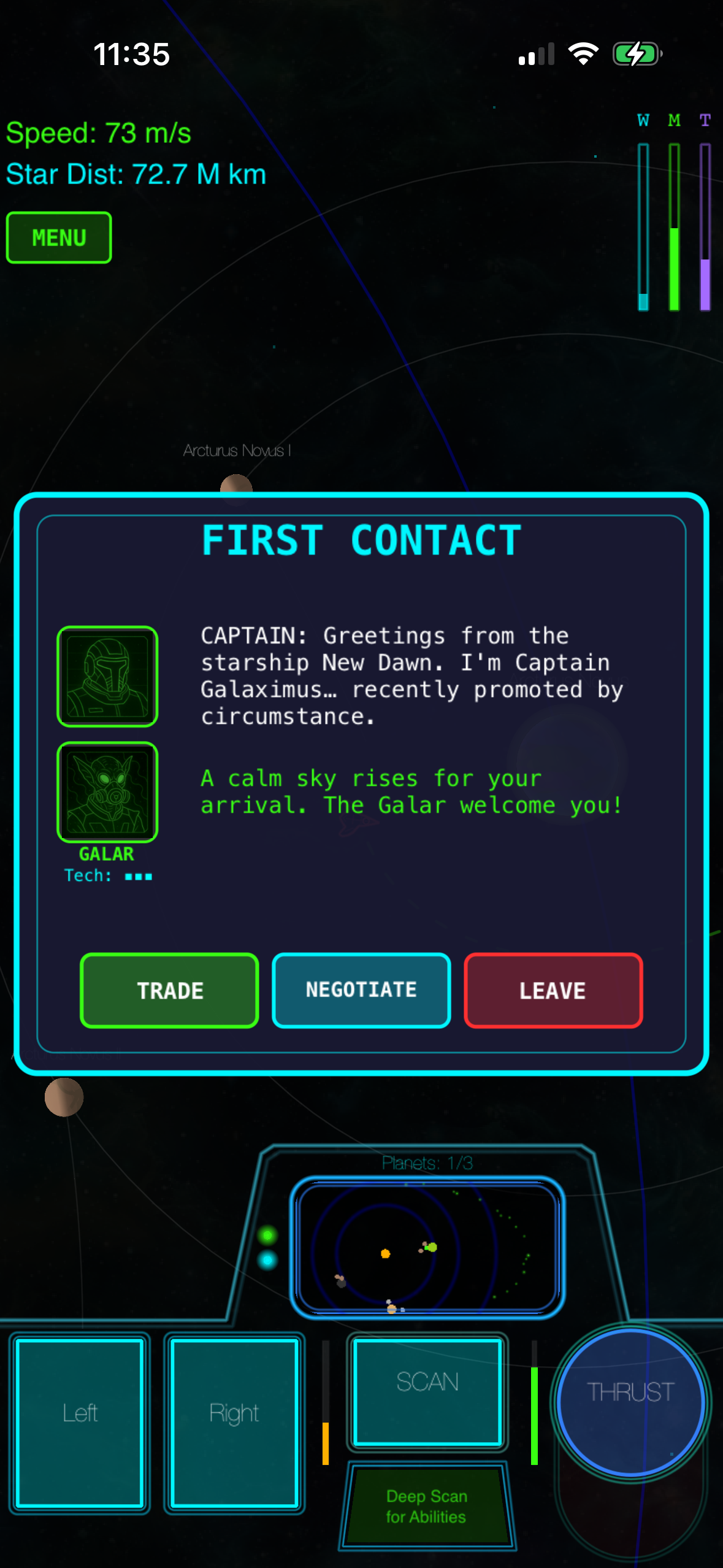
Galaximus (, App Store) is built for iPhone-first control. The ship responds to tilt and tap input in ways that don’t demand precision thumbwork—you’re flying with your phone’s angle and firing with a single button. That simplicity masks real physics underneath. Every planet’s gravity affects your trajectory in real time. Slingshots around gas giants actually work the way orbital mechanics says they should. The learning curve is real (30 minutes to competence, longer to mastery), but the payoff is that no other space game on iPhone gives you that particular flavor of mastery.
The game ships complete: eight procedurally configured star systems, a structured narrative arc with a beginning and end, and no ads or IAP. Buy once, own forever. Launch-tier buyers will receive Galaximus Infinitum free when it ships in late 2026 (open-galaxy sandbox, planetary surface exploration, outpost building). After Infinitum ships, the combined game moves to a higher price tier.
Get Galaximus on the App Store:
Asteroids-style descendants remain strong on iPhone because they’re built for the form factor. Geometry Wars and Asteroids Plus use tap-and-drag aiming and one-button fire. No learning curve. If you want 5-minute arcade sessions without gravity complications, these still deliver.
Lunar Lander clones (Lunar Rescue,; Moon Lander Pro, ) fit the precision-landing niche. Tap thrusters, manage fuel, land intact. Satisfying in short bursts. iPhone’s smaller screen actually suits these—you’re managing a tight constraint, which is the point.
iPad: Space Games That Use the Full Canvas
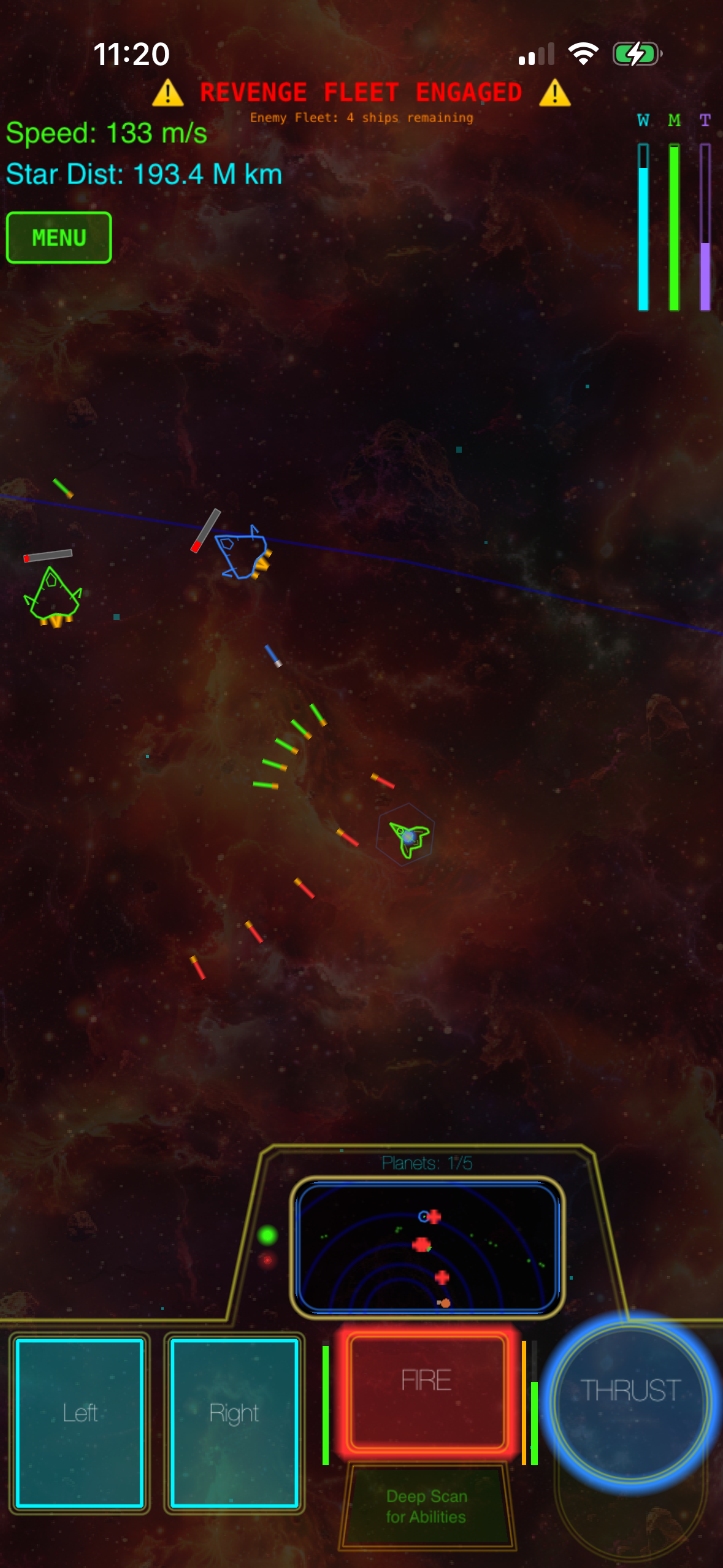
iPad space games can afford more systems on screen at once. That means richer information display, less menu-diving, and—critically—better spatial reasoning for physics-based navigation.
Galaximus on iPad (, App Store) spreads the interface wider. Your ship sits in the center with the full system visible around it; planets, asteroids, and anomalies aren’t hidden behind scroll or tab. The same orbital mechanics that work on iPhone feel more intuitive when you can see the whole gravity well at once. Tilt control still works, but iPad’s larger surface area makes gesture input (swiping for directional input) more viable if you prefer it.
No Man’s Sky Mobile (currently available on iPad via App Store, ) gives you procedural planet exploration at a scale Galaximus doesn’t attempt. Walking on surfaces, mining, base building. The iPad version takes advantage of the larger screen for planetary landing sequences. Trade-off: the game is more exploration-sandbox than physics-puzzle, and the gameplay loop is longer.
Kerbal Space Program 2 (iPad version available via App Store, ) is the engineering-sandbox option. iPad’s screen real estate makes vehicle assembly and orbital planning less claustrophobic than on phone. But KSP wants you to be an engineer; Galaximus wants you to be a pilot. Different games, both legitimate.
The Physics Question: Real vs. Simplified
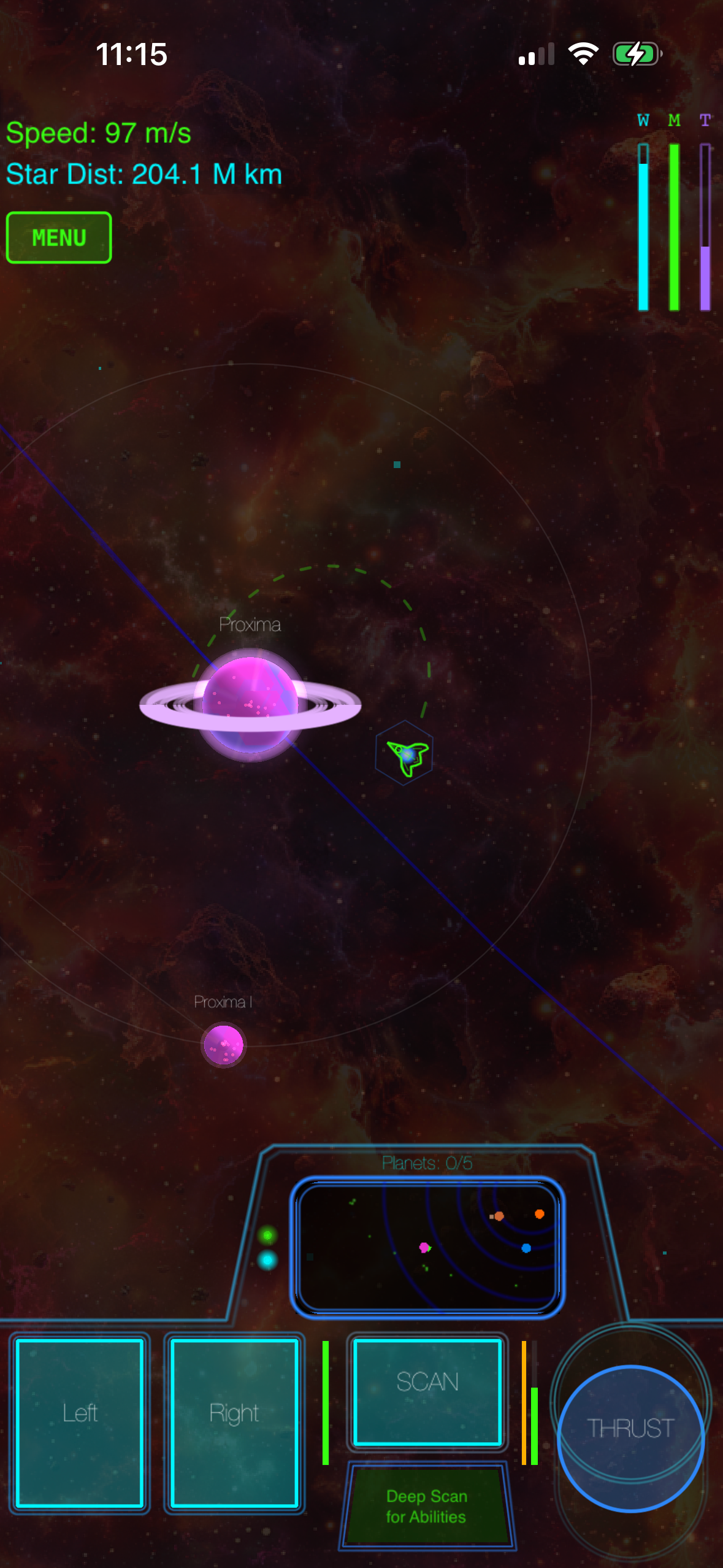
This is the dividing line in 2026 space-game design.
Real orbital mechanics means every body’s gravity affects every other body in real time. You can’t fake it with lookup tables or pre-baked trajectories. The math runs live on the device. Among premium iOS space games, fewer than five titles implement full N-body physics simulation. The payoff—slingshot maneuvers that actually work, fuel-efficient transfer windows that reward patience—is worth the learning curve if you want mastery over accessibility.
Simplified gravity (most free-to-play space games, many premium titles) uses gravity as a visual effect or a loose constraint. You get pulled toward planets, but the math isn’t real. It’s more forgiving for new players and runs on older hardware. The trade-off is that mastery plateaus faster—once you learn the pattern, there’s no deeper system to exploit.
If you’re coming from Kerbal Space Program on desktop and want that “aha” moment when you nail a gravity-assist maneuver, real physics matters. If you want to relax with space exploration without thinking about delta-v, simplified gravity is fine.
No Ads, No IAP: The Premium Model in 2026
The free-to-play space-game market is crowded and aggressive. Energy meters, premium currency, cosmetic battle passes, limited-time events. It works for player acquisition but burns out engaged players.
Premium space games—games you buy once and own forever—have become the refuge for players who remember when games shipped complete. Galaximus, Kerbal Space Program 2, and a handful of others operate on this model. No ads. No battle pass. No “come back in 4 hours” timers. You pay upfront; the developer makes money once per player and has zero incentive to frustrate you into spending more.
On iPhone, this model is rarer because the App Store’s discovery algorithm favors free-to-play (higher install counts). On iPad, premium games have slightly more visibility because iPad buyers skew older and have higher purchase intent.
FAQ
Q: Can I use a game controller with these games?
A: Galaximus supports MFi controllers on both iPhone and iPad. Geometry Wars and Kerbal Space Program 2 also support controllers. Check the App Store listing for each game to confirm controller compatibility.
Q: Do these games require an internet connection?
A: Galaximus, Geometry Wars, Asteroids Plus, Lunar Rescue, and Moon Lander Pro all work offline. No Man’s Sky Mobile requires an internet connection for cloud saves and procedural generation. Kerbal Space Program 2 works offline for single-player campaigns.
Q: What’s the learning curve really like for Galaximus?
A: Real orbital mechanics have a genuine learning curve. Most players reach “competent” in 30 minutes of focused play—you understand how to slingshot, how to approach a target, how to manage fuel. Mastery takes longer. But the curve flattens; once you internalize how gravity works, the system becomes intuitive. It’s not Kerbal Space Program complexity; it’s “30 minutes to payoff” complexity.
Q: Is there a free trial for Galaximus?
A: No. Galaximus is a paid app . But the App Store lets you read detailed reviews and watch gameplay video before you buy, so you can see if the control scheme and physics approach fit your style.
Q: Will my older iPhone run Galaximus?
A: Galaximus requires iOS 15.0 or later and runs on iPhone 12 and newer. Older devices may work but frame rate may drop. Check the App Store listing for the current minimum requirement.
Q: What’s Infinitum?
A: Galaximus Infinitum is a major expansion launching in late 2026. It adds open-galaxy sandbox mode, planetary surface exploration, outpost building, and faction warfare. If you buy Galaximus at the current price now, you get Infinitum free when it ships. After Infinitum launches, the combined game moves to a higher price tier.
Closing: Pick Your Game by Play Style, Not Just Device
Device choice matters, but play style matters more. If you want real orbital mechanics and don’t mind learning a control scheme that pays off, Galaximus is what we built. If you want casual exploration without gravity complications, No Man’s Sky Mobile is the better fit. If you want engineering-sandbox depth, Kerbal Space Program 2 is the standard.
The good news: in 2026, premium space games are viable on iOS again. The market has room for different approaches. Pick the one that matches how you want to spend your time.
Ready to try Galaximus? It’s available on the App Store: