iOS Space Exploration Games That Work Offline
 by Galaximus
iOS Space Exploration Games That Work Offline
The best space exploration games on iPhone aren’t waiting for a connection. You can pilot a ship through real orbital mechanics, negotiate with alien captains, and navigate procedurally generated star systems entirely offline—no cloud sync required, no server dependency, no loading screens tied to your signal strength.
If you’re looking for a space game that plays offline without compromise, this guide covers the options available. Here’s what actually works without internet and why the offline constraint matters more than most players realize.
Why Offline Space Games Matter on iPhone
The appeal is practical and philosophical. No internet means no server outages killing your session mid-mission. No ads popping up between jumps. No energy timers gating progression. No battle pass pressure. Offline games are also the only way to guarantee the game still works in five years—no server shutdown, no licensing expiration, no “we’re discontinuing support” email.
For space games specifically, offline play removes the latency problem entirely. Real-time gravity simulation works best when every physics tick is local. Network lag doesn’t introduce uncertainty into orbital calculations. Your slingshot maneuver executes exactly as you planned, not as your ping allows.
The trade-off is simple: offline games can’t offer cross-device cloud saves or live multiplayer. If you’re OK with that—and most single-player space game players are—offline unlocks a level of mechanical polish that always-online titles have to compromise on.
Real Physics Without Internet: How It Changes Gameplay
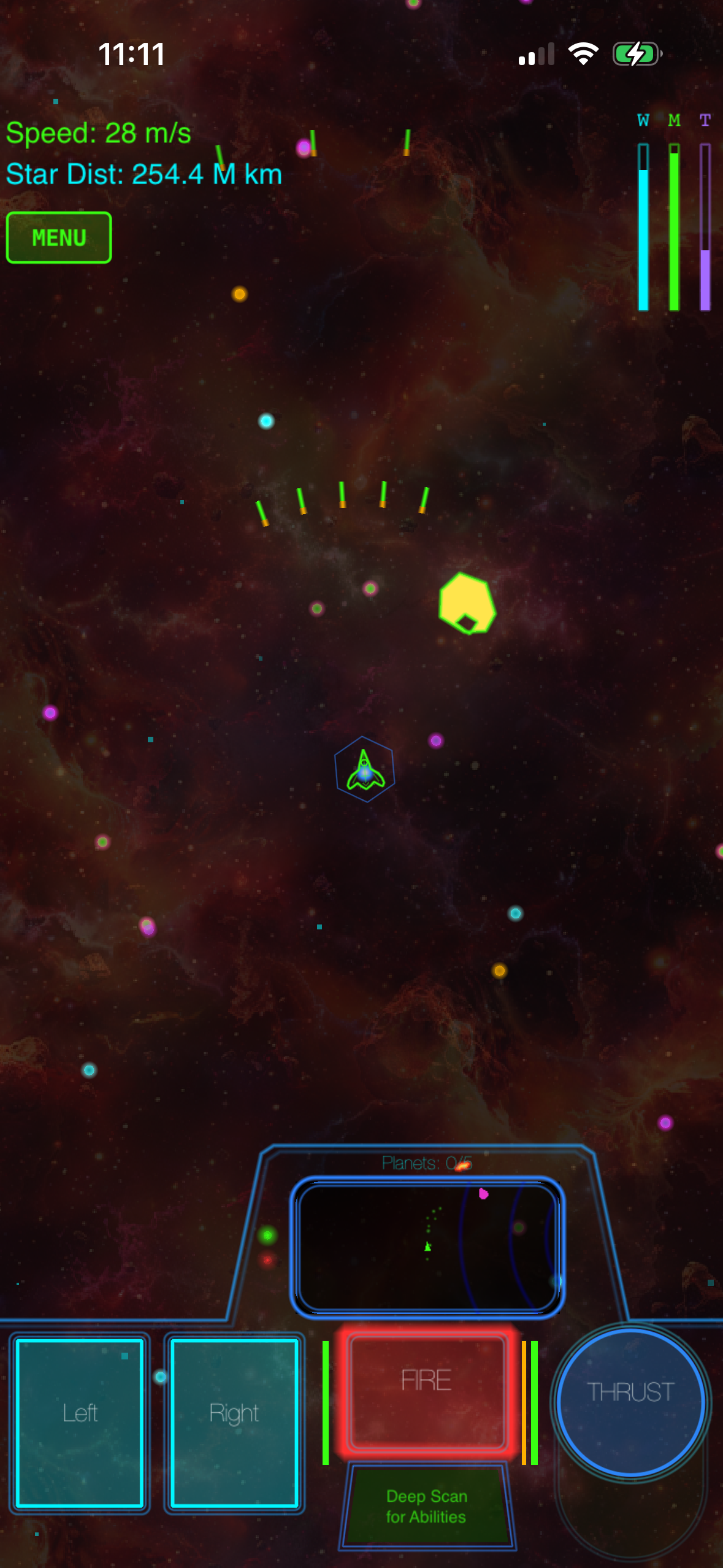
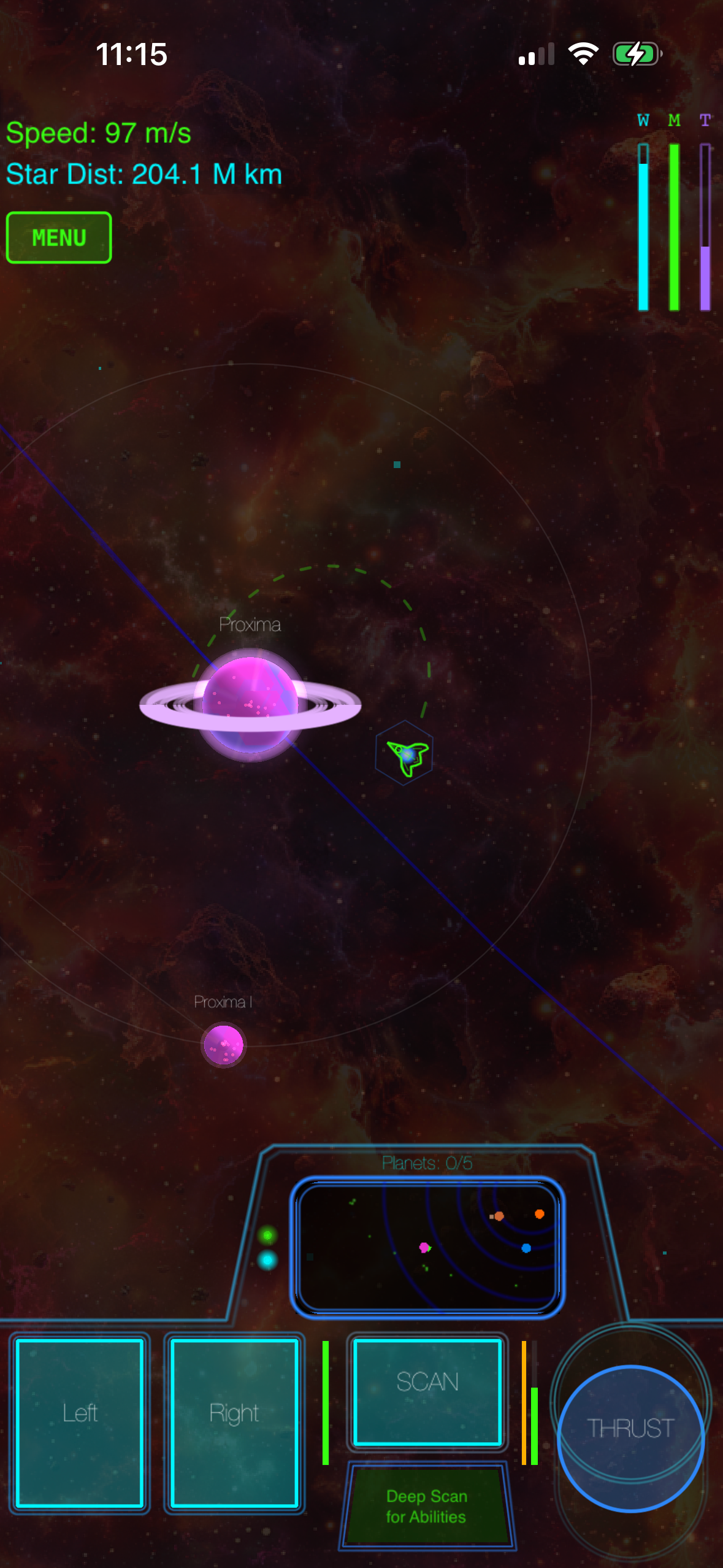
When your space game runs entirely on-device, the developer can commit to physics simulation that would be impractical to sync across servers. Games like Galaximus model gravitational bodies affecting each other in real time (per the developer specification). That means a planet’s gravity well curves your trajectory whether you’re paying attention or not. A careless approach to a star can slingshot you into an asteroid field. A patient approach can use that same gravity to accelerate you across light-years without burning fuel.
That’s the core mechanic: using gravity as your engine. It rewards spatial reasoning and planning over reflexes. You can pause, think, adjust your approach, and execute. No server lag, no latency compensation, no “did that shot register?” uncertainty.
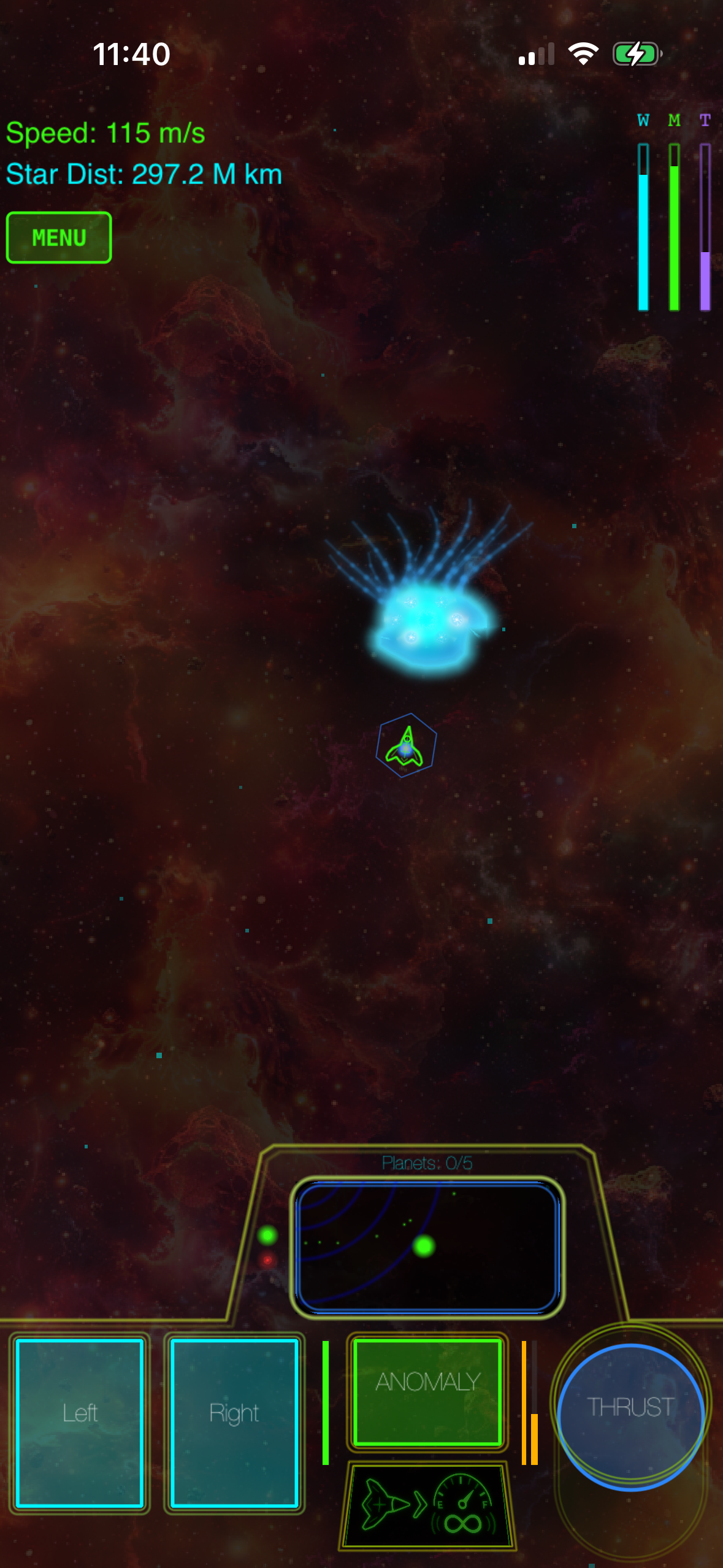
Offline also means procedural generation can run wild. Every playthrough generates unique star system configurations, planet positions, and anomaly placements. That procedural work happens on your device, not on a backend server. Your phone does the work once and stores it locally—no network call every time you want to see the same system again.
The Offline Space Game Ecosystem on iOS
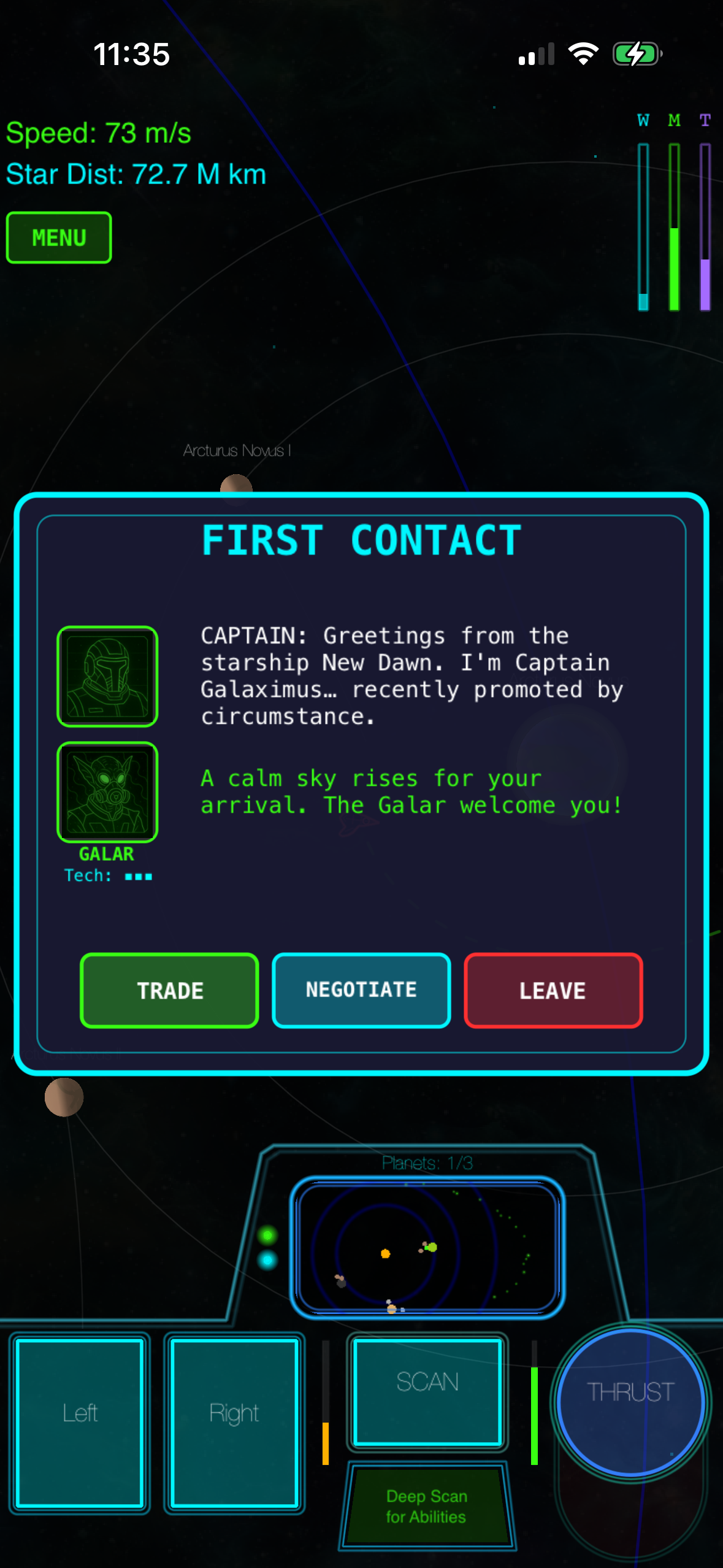
Galaximus — Real orbital mechanics, procedurally configured star systems, 8-system narrative campaign with a beginning and end. One-time purchase; Galaximus Infinitum (open-galaxy sandbox expansion) launches late 2026. No ads, no IAP, no energy timers. Plays entirely offline. Disclosure: This article discusses Galaximus as a case study in offline space game design; the developer did not sponsor this review.
Asteroids-inspired arcade descendants — Games like Geometry Wars 3: Dimensions Evolved , Asteroids: Gunner , and Void Destroyer 2 are lightweight, zero-setup, and genuinely work offline. They’re faster-paced than physics-heavy titles and don’t require learning orbital mechanics. If you want 5-minute sessions without a learning curve, these fit better. They’re also cheaper and lighter on storage.
Lunar Lander-style gravity games — Lunar Lander , Gravity Simulator , and Thrust capture the classic Lunar Lander feel: gentle gravity, fuel management, precision landing. These are simpler than orbital mechanics games but genuinely satisfying for players who want physics without the complexity.
Kerbal Space Program — KSP is deeper on rocketry and vehicle assembly than gravity-focused games, but availability on iOS is currently limited. Check the App Store directly to confirm current availability and pricing before purchasing, as iOS support has been inconsistent. KSP teaches you to think like a rocket scientist; gravity-focused games teach you to fly like a pilot. Both are legitimate; they’re different experiences.
The honest gap: most popular space games on iOS (No Man’s Sky, Star Citizen mobile versions, etc.) require internet for procedural generation, cloud saves, or live events. Offline-only space games are a smaller category, which is exactly why the ones that commit to it stand out.
What “Offline” Actually Means: No Hidden Catches
Before you download, understand what offline does and doesn’t guarantee:
Offline means: The game runs entirely on your device. No server calls. No cloud sync. No “check connection” screens. You can play in airplane mode, in a subway tunnel, or at sea. If your internet goes down mid-session, the game keeps running.
Offline does NOT mean: No App Store verification on first install (Apple requires an internet connection to validate purchases). No future updates (you’ll need internet to download patches, but once installed, the game runs offline). No cloud save backup (your progress lives only on your device; if you lose the phone, you lose the save).
Most offline games handle this cleanly: purchase and initial install require internet, but every session after that is entirely offline. Your progress saves locally. If you reinstall the game on the same device, your save is still there. If you buy a new iPhone, you’ll need to re-download the game (internet required) but your old save doesn’t transfer—it’s device-local, not cloud-synced.
That’s a real limitation compared to always-online games, but it’s also why offline games don’t have server shutdown risk. Your save is yours forever, on your device, as long as you keep the phone.
Building a Sustainable Play Session Offline
Offline space games work best when you commit to session-based play rather than constant checking. Here’s how to get the most out of them:
Batch your sessions. Download and install while you have internet. Then play offline for hours without worrying about connection. One 2-hour play session beats five 20-minute sessions interrupted by loading screens.
Plan your approach. Because you can pause, use that. Study a star system, plan your route, then execute. Offline play rewards patience in a way that always-online games can’t, because there’s no server timeout punishing you for thinking too long.
Manage storage locally. Offline games store everything on-device. A space game with procedurally generated systems and synthesized audio still takes up less space than a streaming-heavy title, but it’s not nothing. Make sure you have a few hundred MB free before installing.
Expect no live events. Offline games can’t push new content to you in real time. What you see at launch is what you get (until major updates). Structured campaigns are complete and finite, not soft-launch sandboxes waiting for seasonal content. That’s intentional design, not a limitation.
Expansion Models and Pricing: How Offline Games Handle Growth
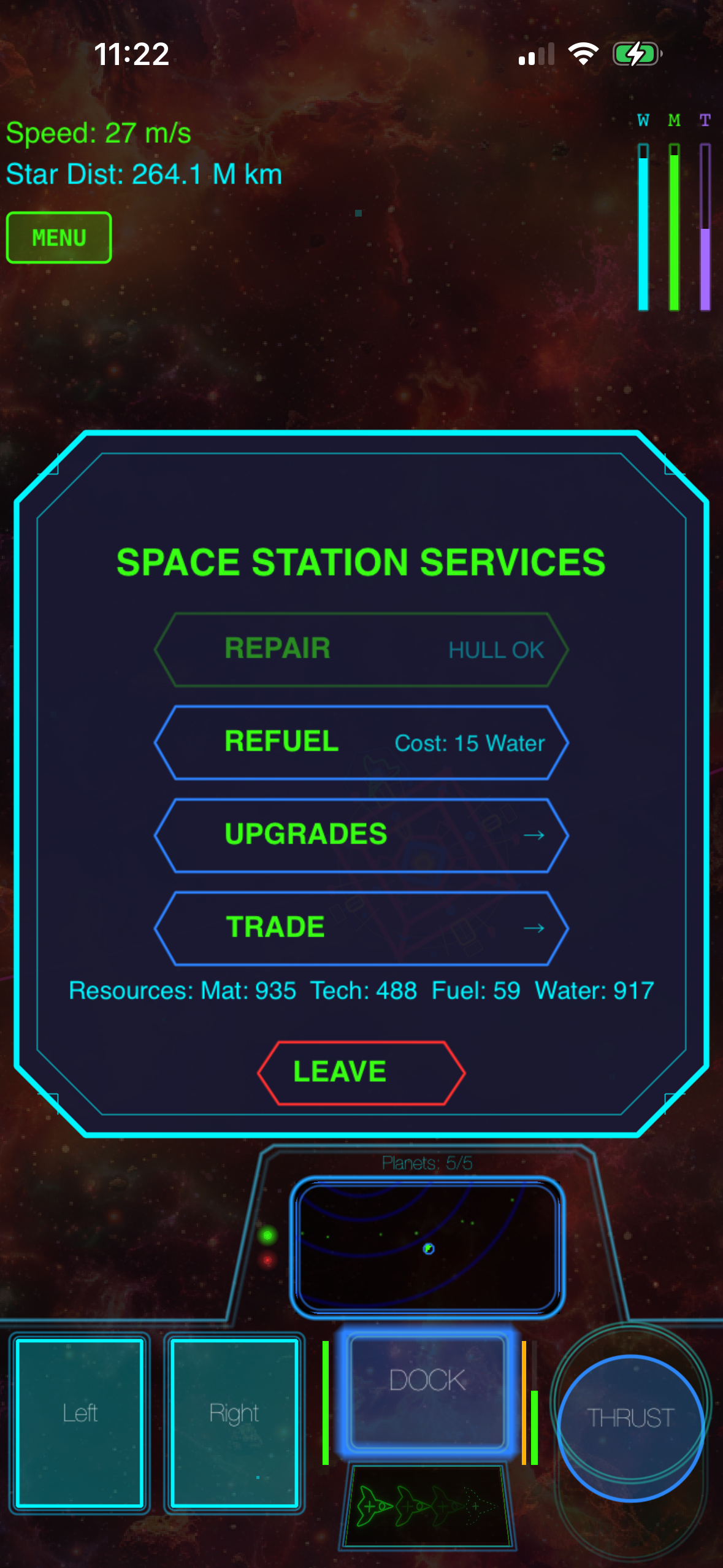
When offline games add major content, they typically release it as a paid expansion or a free update depending on the developer’s model. Galaximus, for example, is launching Infinitum (open-galaxy sandbox mode, planetary surface exploration, outpost building) in late 2026.
The pricing structure: Galaximus currently sells at a launch-tier price. When Infinitum releases, the combined game will move to a higher price tier. Buyers who purchase before the Infinitum launch receive the expansion free; buyers after launch pay the new combined price. This is comparable to how Kerbal Space Program handled its Breaking Ground expansion—early adopters get it bundled, later buyers pay separately.
Compare this to always-online games: No Man’s Sky releases major expansions free to all players (funded by ongoing monetization), while subscription-based space games charge monthly regardless of content updates. Offline games typically use the expansion model because they lack recurring revenue from servers or live events.
Comparing Offline Space Games: What Each Does Best
| Feature | Gravity-focused (e.g., Galaximus) | Asteroids-style arcade | Lunar Lander-style | Kerbal Space Program |
|---|---|---|---|---|
| Offline play | ✅ Complete | ✅ Complete | ✅ Complete | ✅ (when installed) |
| Real orbital mechanics | ✅ Yes | ❌ No | ⚠️ Simplified gravity | ✅ Yes, deeper |
| Campaign narrative | ✅ Structured arc | ❌ No | ❌ No | ❌ No |
| Learning curve | ⚠️ 30 min to mastery | ✅ Instant | ✅ Instant | ❌ Steep |
| Session length | 30 min – 2 hours | 5–15 min | 10–30 min | 1–4 hours |
| Procedural generation | ✅ Each playthrough unique | ⚠️ Minimal | ❌ No | ❌ Hand-authored |
| Premium pricing (no ads/IAP) | ✅ Yes | ✅ Yes | ✅ Yes | ✅ Yes |
| Price range | (when available) |
The key difference: gravity-focused games sit between arcade simplicity and engineering-simulator depth. Real physics, but action-game pacing. A complete campaign, but procedurally configured so replays feel fresh. A learning curve, but a 30-minute payoff rather than a 10-hour ramp.
Offline Space Games and iOS Hardware: What You Need
Good news: offline space games are less demanding than always-online titles. No server sync overhead. No streaming assets. No constant background syncing draining battery.
Most modern offline space games run on iPhone 12 and later. They don’t require the latest hardware, but they do need enough local storage (a few hundred MB) and enough RAM to hold procedural generation in memory. Older iPhones (iPhone 11 and earlier) may struggle with real-time physics simulation.
Asteroids-style and Lunar Lander-style games are lighter and run on older hardware. If you have an iPhone 8 or 9 and want offline space gaming, those are your best bet.
Check your device specs before installing. The App Store listing will show the minimum iOS version and device compatibility. Offline games can’t phone home to check your hardware, so the App Store validation is your only gate.
FAQ
Why do offline space games cost more than similar always-online games? Offline games don’t have recurring server costs, but they also don’t have subscription revenue or live-event monetization to offset development. Most offline space games are premium one-time purchases priced to cover development upfront. You’re paying once for the complete game, not monthly for access.
Can I refund an offline space game if it doesn’t work on my device? Yes. Apple’s standard refund policy applies: you have 14 days from purchase to request a refund through the App Store, regardless of whether the game is offline or online. If a game doesn’t run on your device despite meeting the listed requirements, contact App Store support with your device model and iOS version.
Can I play offline space games without downloading them over internet first? No. You need an internet connection to download and install from the App Store, even for offline games. Once installed, they run offline forever. But that initial download requires a connection.
Do offline space games ever update, and what happens if I don’t update? Yes, developers release updates (bug fixes, balance changes, new features). You’ll need internet to download updates, but the game keeps working at its current version if you don’t update. There’s no “forced update” server check that kills old versions.
Can I transfer my offline game save to another iPhone? Not automatically. Offline saves are device-local. If you get a new iPhone, you’ll need to reinstall the game (which requires internet) but your old save won’t transfer. Cloud save backup is an always-online feature that offline games don’t have.
What happens if the developer shuts down or stops supporting the game? The game keeps working. There’s no server dependency, so developer shutdown doesn’t affect it. You can play forever as long as you keep the device and don’t delete the app. This is the biggest advantage of offline games: they’re future-proof.
Are offline space games cheaper than always-online ones? Usually yes. Offline games don’t have server costs, so developers often price them lower or as one-time purchases instead of subscriptions. Asteroids-style games are. Gravity-focused games are. Always-online games often use subscriptions or energy timers to offset server costs.
Can I play offline space games with friends? No. Offline games are single-player by design. Multiplayer requires server infrastructure, which defeats the purpose of offline play. If you want space games with co-op or PvP, you’ll need always-online titles.
The Case for Offline Space Gaming in 2026
The internet is more reliable than it was ten years ago, but it’s also more complicated. App stores push ads, games push battle passes, and always-online games push server-side monetization. Offline space games are a deliberate choice to opt out of that. You own the game. You play it on your terms. Your progress is yours.
For space games specifically, offline play means physics simulation you can trust. Every maneuver executes exactly as you planned. Every slingshot works the same way every time. There’s no latency, no server lag, no “did that count?” uncertainty.
If you want a space game that works offline and respects your time, the options range from arcade-action games at to deep physics simulators at. Pick the one that matches your preferred session length and learning tolerance, download it over WiFi, and play anywhere.
Related reading: - Premium iOS Space Games Without Microtransactions: Full List - Best Indie Space Games on App Store 2025-2026 - iOS Space Games with Realistic Physics: Top Picks - best offline games for iphone complete guide